Flashcard Maker · Spaced Repetition · Vocabulary Cards
iPhone · iPad
Memento
Study it. Remember it.
Scan to download
Made by a working translator
Updated November 17, 2026 · Version 2.9.8
madrugar
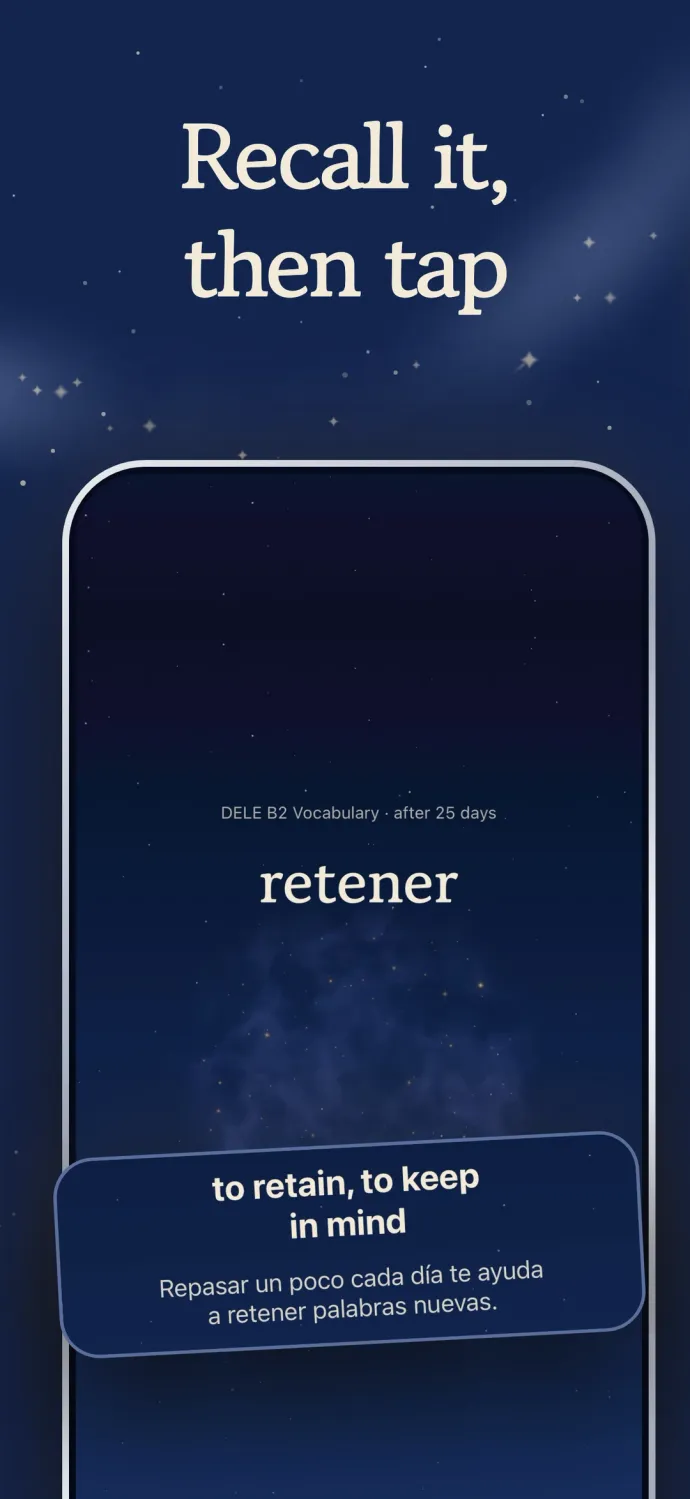
Recalled it? Tap to see the meaning
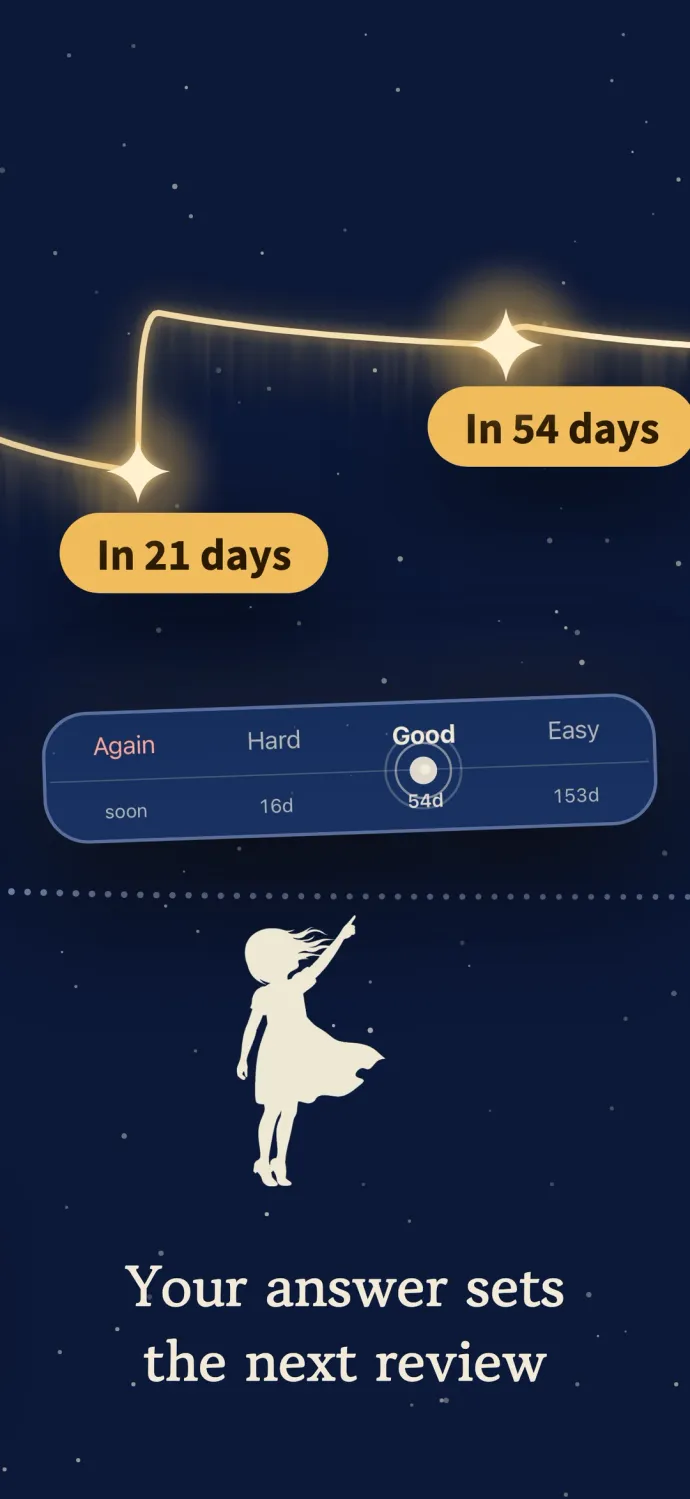
This demo mirrors the app’s own screens. Tap once you have recalled it and the starlight gathers into the meaning. Good is already selected, so change it only when the card felt harder or easier. Memento sets the day each card comes back: the ones you know drift further out, the shaky ones return soon.
Who it’s for
- Copying textbook pages into cards leaves no energy to memorize.
- You look up the same word again a week later.
- You know the exam date, not how much to study each day.
What you can do with Memento
Snap a page, get the cards
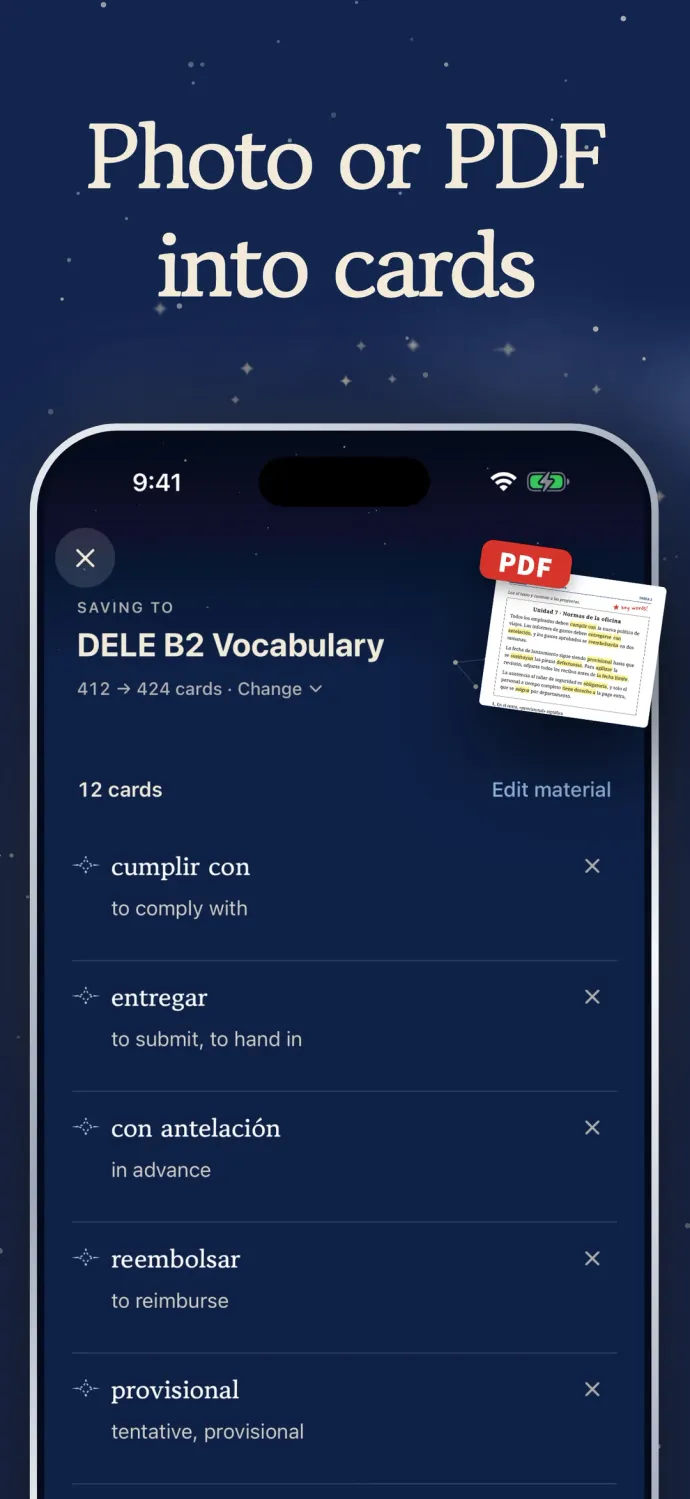
Photograph a textbook page and the words and sentences on it are sorted into a set of cards in one pass — photos from your library, copied text, and PDFs work the same way, up to 40 pages of a PDF at a time.
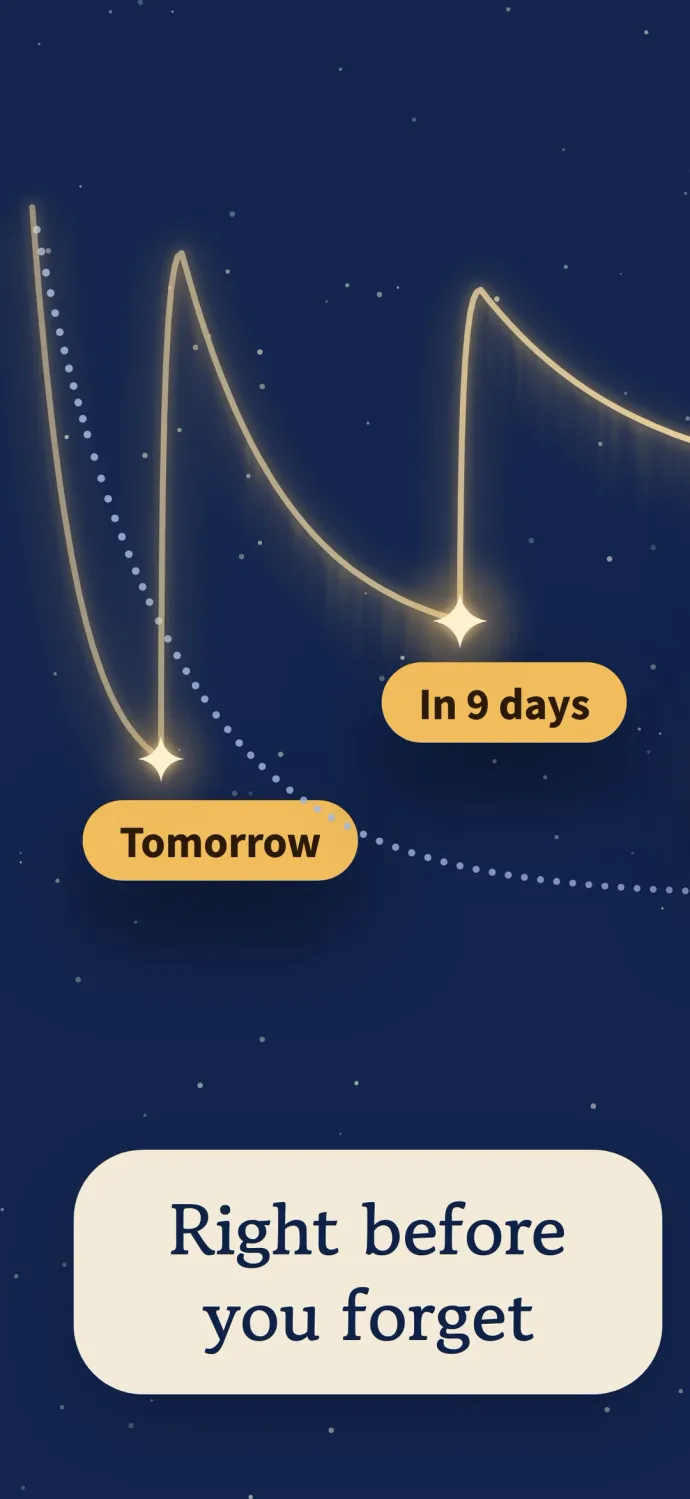
Back right before you forget
Every card gets its own next review date: cards you know well come back less often, shaky ones more often. To review, recall the answer, tap to see the meaning, and pick Again, Hard, Good, or Easy.
Ask, get a card
Stuck on something while you study? Ask right there — the answer arrives with a draft card under it, and only the cards you save go into a folder.
See all 8 features
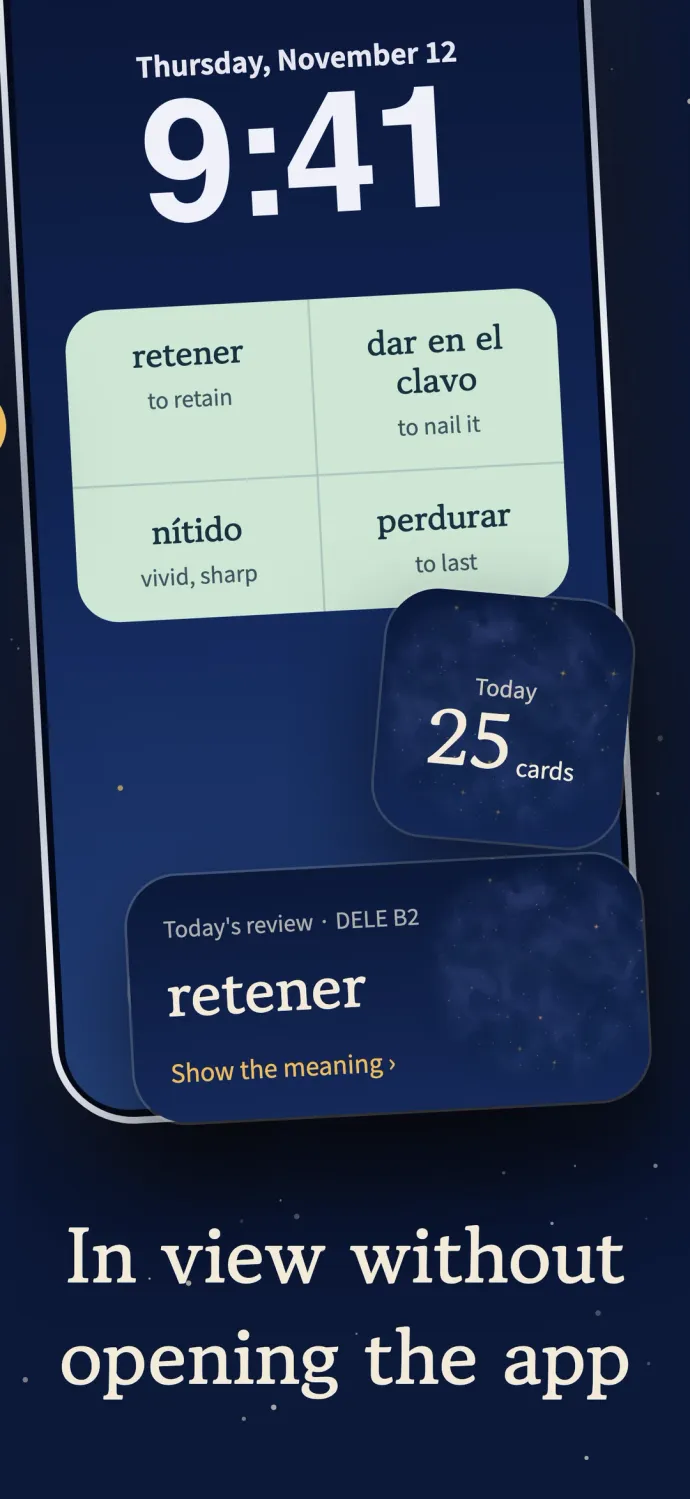
On your Lock Screen
Pin up to four must-know cards to the Lock Screen. Each one shows the word and its meaning without opening the app, and a tap takes you straight into practice. You can also let the cards you miss most fill those spots automatically.
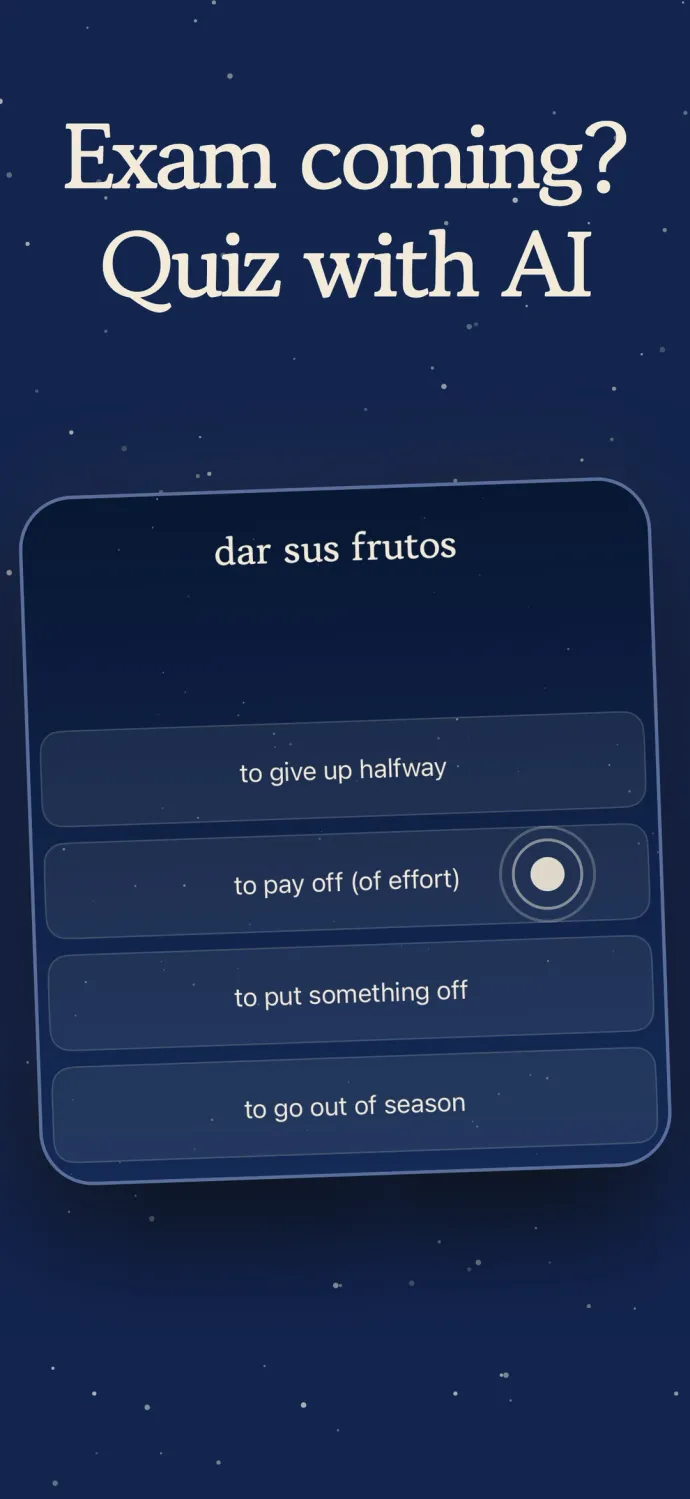
Exam coming? Quiz with AI
Want one more check before the exam, on top of your regular reviews? Pick a folder and run Star Pick: your cards become four-choice questions, and you recall the answer before you choose. The right answer is exactly what you wrote on the card, and AI writes the wrong options to fit it.
At your desk. On the go.
Study on your iPad at your desk, then pick up your iPhone on the way out, and you see the same cards on both. iCloud handles the syncing once it is turned on. There is no sign-in and no account to create.
Paced to your target date
Set a target date on a folder and the number of new cards per day adjusts so you get through the whole folder by then. Days left and exam readiness show right on the folder.
Leave the tedium to AI
Making a card yourself? Type just the word and AI fills in the meaning and an example. For another way through the same cards, Match is a timed round where you pair words with their meanings. Type answer, Auto Play, and read-aloud are there too.
From the App Store listing

Maker
Working in-house translator
Taught English for years
Words looked up in a book kept coming back a week later, and Anki never stuck because making the cards was the real work. Memento drafts cards from pasted text, photos or PDFs and schedules the reviews on its own.
More about the makerPrice, ads and privacy
- Price
- Free to start. The free plan already lets you ask AI questions and make cards from your material.
- Pro
- Raises the AI limit for making cards from material and removes ads. Reviews, target dates and statistics are the same in both. Choose a monthly subscription with a 7-day trial or a one-time lifetime purchase.
- Ads
- The ads are non-personalized, and Pro removes them.
- Account
- No account needed. Sync runs through iCloud, so with iCloud on your iPhone and iPad show the same cards.
- What it doesn’t do
- Anki imports leave out audio and some images.
- Devices
- iOS 18 or later
FAQ
Is Memento free?
Yes. The free plan already lets you ask AI questions and make cards from your material. If you scan a lot, Memento Pro raises the AI limit for making cards from material and removes ads — reviews, target dates, and statistics work the same in both. Choose a monthly subscription with a 7-day trial or a one-time lifetime purchase.
Do I need an account?
No. Everything works without an account, sync included. With iCloud on, your iPhone and iPad show the same cards.
Can I import my Anki decks?
Yes. Open the menu on the Library screen, tap Import Anki Deck, and pick a .apkg or .colpkg file, or open an Anki file in Memento from another app. You get a preview first, and switching on Keep review history carries your Anki schedule over. Audio and some images don’t come across.
What scheduling algorithm does it use?
FSRS-5 — the spaced-repetition algorithm serious Anki users swear by. It surfaces the cards you’re about to forget, so your time goes where it counts.
Which exams is it for?
Anything with a date on it — TOEIC, TOEFL, JLPT, the SAT, licensing and civil-service exams. Set the date and Memento paces your studying to reach it.
Scan to download